
We provide IT maintenance for businesses in Zaragoza that want to stop relying on one-off call-outs and have their technology reviewed, documented and owned by someone clearly accountable. Day-to-day support comes from our helpdesk, working remotely; when someone needs to be at your offices or your warehouse, a local Zaragoza technician we coordinate goes on site, following the same procedure and logging every intervention in the same record.
We have been working with businesses for 26 years, and more than 470 organisations have trusted us. If your searches keep landing on generic pages, this is the one written specifically for Zaragoza: what the service includes, how we combine remote and on-site work, which businesses it suits and what drives the price.
What IT maintenance for businesses in Zaragoza includes
The service adapts to the size and criticality of each business, but it always starts from the same foundation: an inventory of what is maintained, a support channel, recurring tasks with a date and an owner, and reports that let management see whether the environment is improving.
Remote user support
Passwords, email and Microsoft 365, permissions, printers, business applications or a laptop that will not start: the user opens a ticket and a technician connects remotely, with their consent and using corporate tools protected with MFA. We explain how it works on our IT helpdesk for businesses page.
Preventive maintenance
System and application updates, checks on the health of disks and servers, licence control, removal of former employees' accounts and a review of the network and Wi-Fi. Scheduled work gets done even when nobody asks for it, and it is logged.
Security and backups
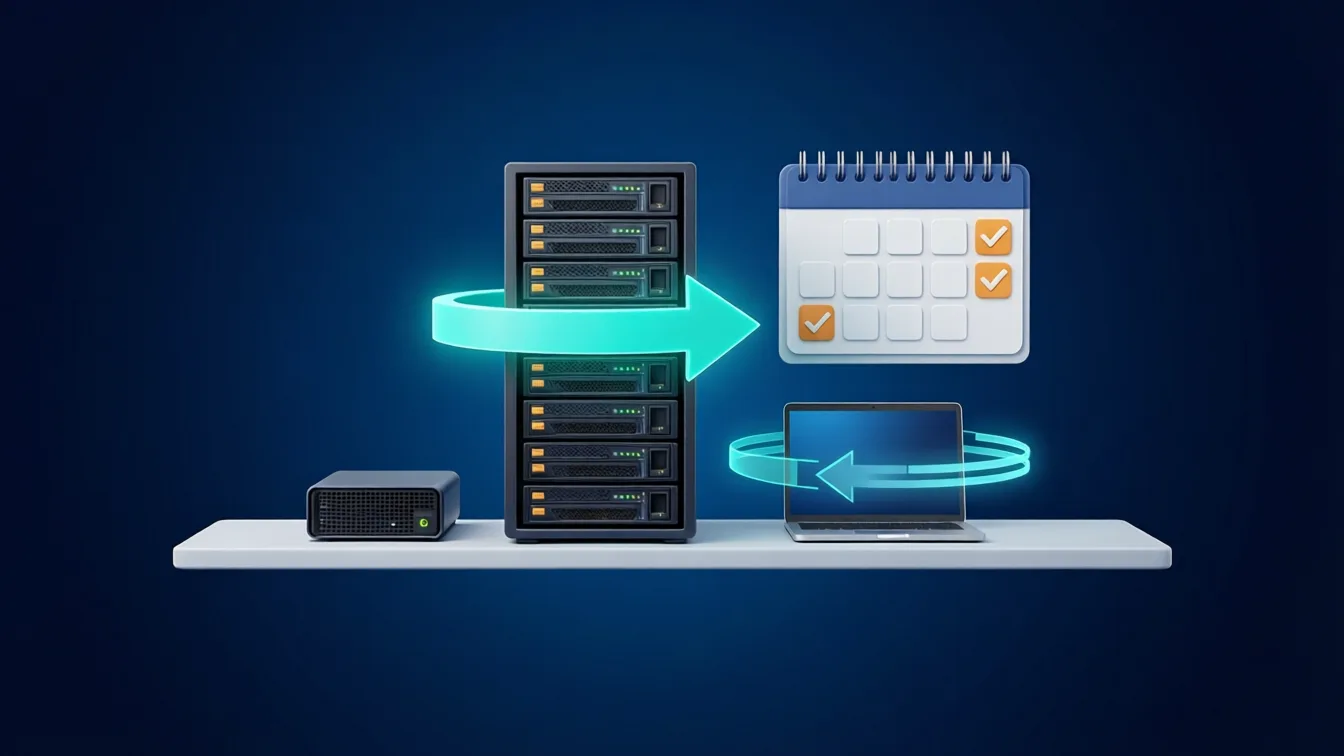
Managed antivirus or EDR, firewalls, MFA and, above all, backups that actually restore: at least one copy outside the production network and a periodic recovery test. If you already have cloud backups, we review them; if not, we put them in place with our remote backup service for businesses.
Zaragoza businesses it suits
Zaragoza combines a very strong industrial and logistics base with offices, professional firms and retail in the city. IT maintenance looks quite different from one case to the next:
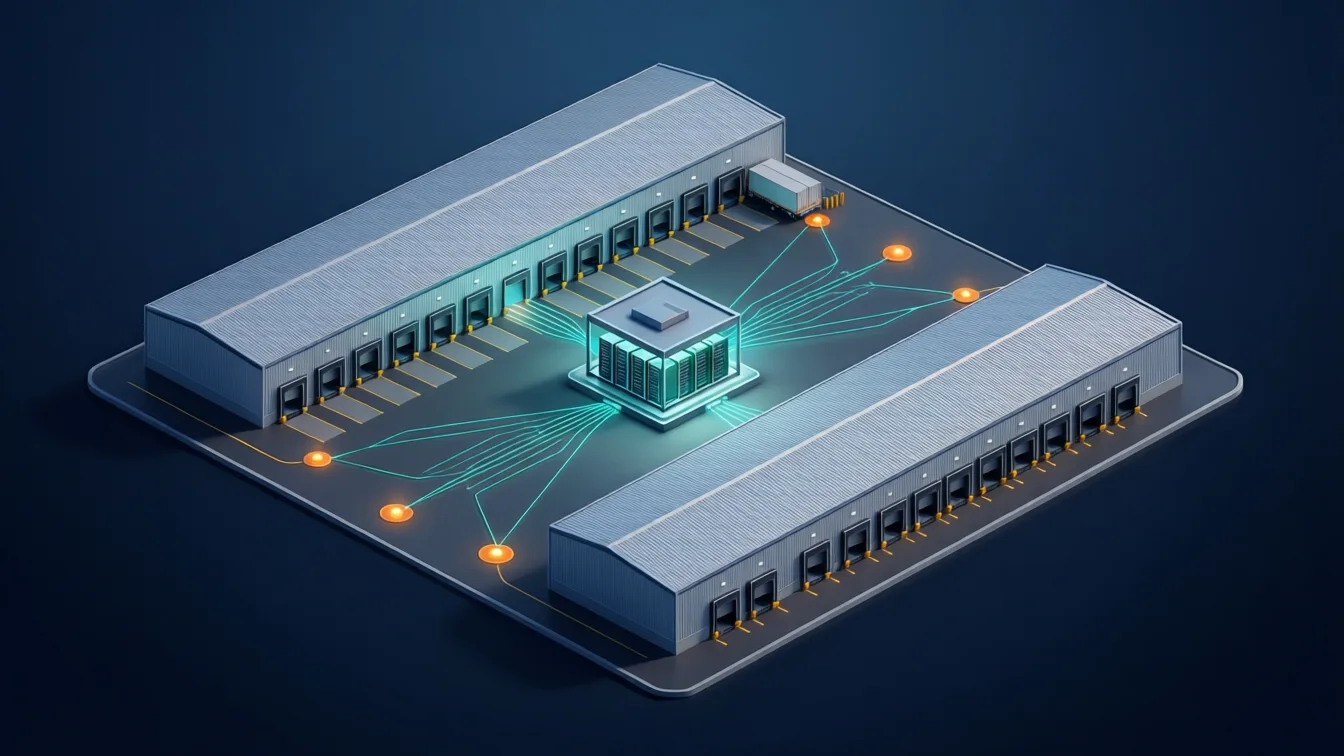
- Logistics and industry on industrial estates such as PLAZA, Malpica or Cogullada: warehouses with Wi-Fi across loading bays and storage areas, scanners and handheld terminals, office workstations and, often, several shifts. What matters here is network coverage inside the warehouse, control over shared devices and knowing what happens if the connection drops.
- Offices and professional firms in the city centre and business districts: Microsoft 365, permissions over client information, hybrid workstations and fast support for users.
- Businesses with several sites in Aragon or elsewhere in Spain: one provider and one procedure for all of them, with local technicians in each city.
If your business depends on an ERP, an on-premises server or connectivity between warehouses, we build that into the scope of the contract from day one.
How we combine remote support and local technicians
Most incidents do not need a technician on site, and when one is needed, it makes sense for them to be nearby. That is why the service works like this:
- Ticket and remote diagnosis: the helpdesk takes the request, prioritises it by impact and resolves it remotely whenever possible.
- Technical escalation: if the incident affects servers, the network, security or Microsoft 365, it moves to a specialist technician without the user having to explain it again.
- Visit in Zaragoza: if hardware needs replacing, cabling or network equipment needs checking or new workstations need setting up, we assign the most suitable local technician nearby and hand over the context, the access and what has to be documented.
- Closure and report: every intervention is logged in the same ticket, whether it was remote or on site.
Included visits, support hours and response times are set out in writing in the contract; we do not promise timescales that have not been agreed. For one-off jobs at sites in other cities we use the same model as our IT field services.

One-off call-outs or a maintenance contract: which suits you
| One-off call-out | Maintenance contract | |
|---|---|---|
| When action is taken | When something breaks | Before it breaks, with scheduled tasks |
| Knowledge of the environment | Starting from scratch every time | Up-to-date inventory and documentation |
| Cost | Per hour or per job, hard to forecast | Monthly fee based on scope |
| Security and backups | Only if requested | Reviewed regularly |
| Best fit | Very few devices and no critical data | SMEs, warehouses and offices that cannot afford to stop |
To understand what a contract should cover and how a monthly fee is calculated, see our guide to affordable IT maintenance and pricing.
Signs your current maintenance is not working
Many of the businesses that contact us already have a provider. These are the signs we see most often when the service is not delivering what it should:
- The same incidents come back every few weeks and nobody looks for the root cause.
- In the past year nobody has shown you a backup report or a restore test.
- You do not know how many devices you have, which ones are out of support or which licences you are paying for.
- Only one person, inside or outside the business, knows the admin passwords.
- Every visit to the office or the warehouse is billed separately and nobody knows how much was spent last year.
- When there is a problem at the warehouse, nobody knows who to call or how long it will take for someone to arrive.
If two or more of these sound familiar, it is worth reviewing the contract before it next renews.
What drives the price in Zaragoza
We do not publish a single rate, because two businesses with the same number of workstations can need very different things. The main factors are:
- The number of users, devices and servers included.
- The offices and warehouses covered, and whether they need regular visits.
- Support hours (business hours or extended to cover shifts).
- The level of security and backup management required.
- Work billed separately: projects, hardware and visits outside what was agreed.
After a scoping study of your environment, we send you a fixed proposal. You can also ask directly for an IT maintenance quote.
How we start the maintenance: the first month
The first month is not only about resolving tickets; it is about getting to know the environment so that, from then on, they are resolved quickly and properly. It usually covers:
- Inventory: devices, servers, printers, network equipment, licences and applications, with their owner and age.
- Access: we recover and document the admin accounts (Microsoft 365, firewall, domain, Wi-Fi, internet provider) and store them in a corporate password manager, not in one person's memory.
- Backups: we check what is backed up, where and how often, and run a first restore test.
- Basic security: MFA, pending patches, antivirus or EDR on every device, and former employees' accounts.
- Support channel: we show users how to open a ticket and what information to include, so the very first incident already comes in through the agreed procedure.
- Initial visit in Zaragoza: when the contract includes it, a local technician reviews the rack, the network and the Wi-Fi at the office or warehouse and documents them.
At the end of the month you receive a report on what we found, what we fixed and what we suggest prioritising.
Switching maintenance provider without losing control
A change of provider is when it is easiest to lose access or documentation. To avoid gaps:
- Ask the outgoing provider for the documentation, the admin passwords and the details of licences and contracts.
- Check that domains, Microsoft 365 licences and vendor accounts are registered to your business and not to the provider.
- Review the notice periods in your current contract so you do not pay for two services longer than necessary.
- Set a handover date and a short overlap period for open incidents.
- Change the admin passwords as soon as the new provider has taken control.
If you engage us, we coordinate the handover with the previous provider and tell you what is missing before the switchover date.
Other services for businesses in Zaragoza
Maintenance is often the starting point for other work we also do for businesses in Zaragoza, remotely or with local technicians:
- Cybersecurity: EDR, firewalls, MFA and incident response.
- Cloud and Microsoft 365: migrations, licences, permissions and backups of the environment.
- Networks, Wi-Fi and infrastructure: warehouse coverage, cabling and network equipment.
- Managed IT services: the full model of support, monitoring and continuous improvement.
Request a consultation: tell us how many workstations, sites and servers you have in Zaragoza and we will propose maintenance tailored to your business.